The writing desk / Content strategy
Google's Helpful Content Guidance: A Practical Editorial Workflow
Apply Google's helpful content guidance with a practical workflow for briefs, sources, originality, AI review and useful business content.
TL;DR
To create helpful content for Google, start with a real reader problem, gather reliable evidence, add original value, and structure the page around a clear answer. Check facts, demonstrate relevant experience, and review the content after publication.
Google doesn't require a specific word count or prohibit AI-generated content. Its guidance focuses on whether a page provides useful, reliable information for people rather than existing primarily to attract search traffic.
Here's the editorial workflow I use to put those principles into practice.
1. What Google's Helpful Content Guidance Actually Means
Google's people-first content guidance encourages publishers to provide original information, reliable sources, and useful answers.
It doesn't prescribe an ideal article length or a minimum number of keywords.
A 500-word tutorial with tested instructions can be more valuable than a 3,000-word article repeating information from other websites.
Google also discusses E-E-A-T: experience, expertise, authoritativeness, and trustworthiness. These are useful concepts for evaluating content, not four individual ranking scores.
Since March 2024, Google's former helpful content system has been incorporated into its core ranking systems.
For editors, the practical question remains the same: does this page help the intended reader accomplish something?
2. Define the Reader's Problem Before Choosing Keywords
I start every content brief with one sentence describing what the reader should achieve.
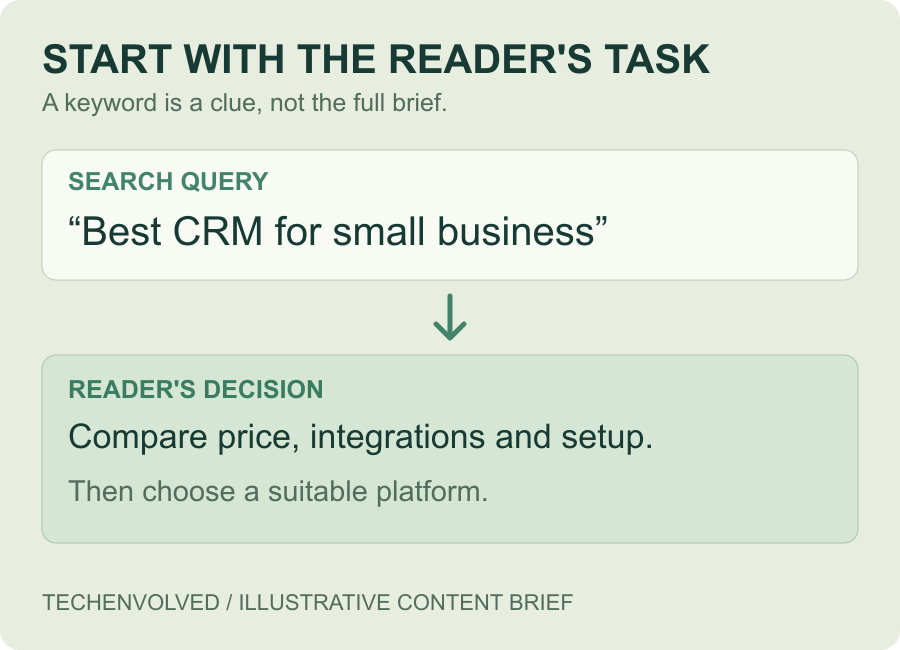
Consider the query "best CRM for small business."
Someone searching for this probably wants to compare products, understand pricing, and choose a suitable platform.
A generic explanation of what CRM means won't solve that problem.
A better editorial objective would be:
"Help a business owner compare three CRM platforms by price, integrations, and setup complexity."
This also tells me what to leave out.
Before writing, I check the top five search results to understand the expected format. Then I identify what the existing pages don't answer.
Search intent determines the structure. Keywords help describe it.
3. Build an Evidence Pack Before Writing
Many writers collect sources while drafting. I prefer to gather them first.
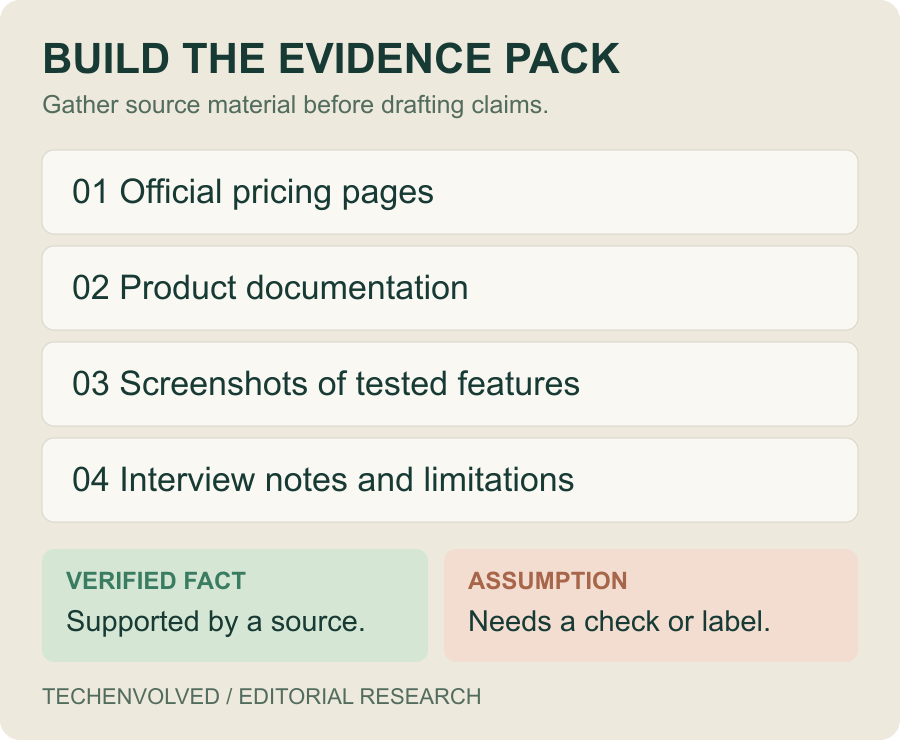
An evidence pack is a collection of material that supports the article's claims.
For a software comparison, mine might contain:
- Official pricing pages
- Product documentation
- Screenshots of tested features
- Interview notes or expert comments
- Known limitations and missing features
I also separate verified facts from assumptions.
For example, "Customers prefer shorter onboarding emails" is a hypothesis unless there's supporting evidence.
A customer interview describing one confusing email is useful evidence, but it doesn't establish what every customer prefers.
Recording these differences early prevents confident-sounding claims from slipping into the finished article.
4. Add Information Competitors Don't Provide
Rewriting the first five Google results rarely produces something worth reading.
I look for information that's missing, incomplete, or difficult to apply.
Imagine an article comparing website builders.
Most competing pages list features and starting prices. Few explain the actual cost of maintaining a small business website.
A comparison could show the hypothetical annual expense of a five-page website, including hosting, subscriptions, and maintenance.
That's more useful than another list of generic advantages.
Original value doesn't always require a large research project.
A real product test, annotated screenshot, expert interview, or transparent calculation can answer questions that competing articles overlook.
The important part is identifying where the new information comes from. Hypothetical examples should never be presented as tested results.
5. Make Experience and Expertise Visible
An author biography doesn't automatically make an article trustworthy.
I prefer to demonstrate knowledge inside the content.
Compare these statements:
Generic: "This project management tool is easy to use."
Specific: "Creating a project requires three steps, but importing tasks from a spreadsheet involves mapping the columns manually."
The second describes a process readers can understand and potentially verify.
For technical tutorials, I include software versions, screenshots, and common failure points.
For financial or medical topics, qualified review becomes particularly important.
I also avoid claiming expertise beyond what the author or reviewer can support.
Trust comes from accurate explanations and transparent limitations, not impressive-sounding credentials.
6. Structure the Article Around the Reader's Next Steps
A good outline follows the order in which readers need information.
For a website redesign guide, I might use five sections:
- Audit the existing website.
- Identify essential pages and features.
- Prepare content and account access.
- Compare development proposals.
- Plan the launch and maintenance.
This structure works because each step prepares the reader for the next.
I also choose the presentation format according to the task.
A comparison often benefits from a table. A technical process needs numbered steps. A design example may require annotated screenshots.
The article shouldn't be longer simply because competitors have more headings.
If two sections answer the same question, I combine them. If a step requires additional context, I place the explanation beside it.
The goal is to reduce the work required to understand and apply the advice.
7. Use AI Without Sacrificing Originality
Google doesn't automatically reject content because AI helped produce it.
Its guidance on generative AI emphasizes accuracy, quality, relevance, and avoiding scaled content created to manipulate rankings.
I find AI useful for organizing research notes, identifying missing questions, and improving the clarity of an outline.
But I don't treat generated claims as verified facts.
Suppose an AI draft says a particular email strategy increases conversions by 35%.
Before publishing, the editor needs to find the original research, examine its methodology, and check whether the claim applies to the article.
If the evidence doesn't exist, the number should go.
The same applies to invented customer stories, expert quotes, and product tests.
AI can assist the editorial process. Responsibility for the published information still belongs to the people reviewing it.
8. Review Content Before Publishing
My final review is separate from proofreading.
A grammatically correct article can still be inaccurate, repetitive, or unhelpful.
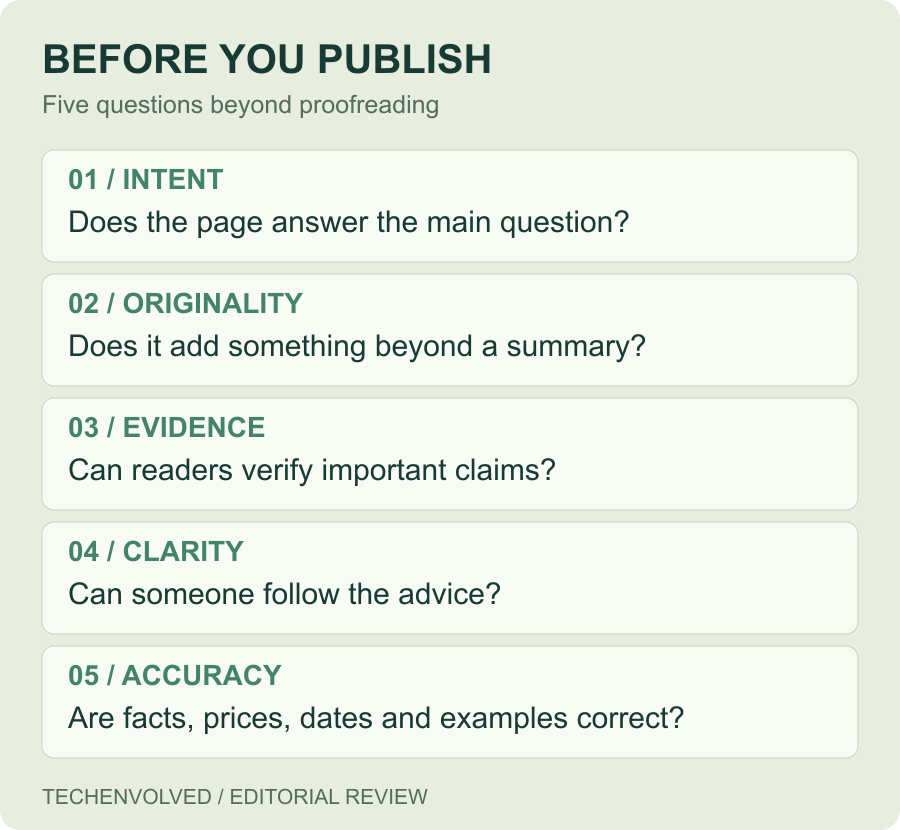
I use a five-question editorial check:
- Intent: Does the page answer the main search question?
- Originality: Does it offer something beyond existing summaries?
- Evidence: Can readers verify important claims?
- Clarity: Can someone follow the advice without extra explanations?
- Accuracy: Are facts, prices, dates, and examples correct?
Consider a draft about preparing for a website redesign.
Before: "Choose a reliable development partner and prepare your business requirements."
After: "List your existing pages, identify the features you need, and record who controls your domain, hosting, and analytics accounts before requesting proposals."
The revised version gives the reader three specific actions.
That's the kind of improvement I look for during editing.
I also check whether the title delivers what it promises. A page called "Website Redesign Checklist" should contain an actual checklist.
9. Measure Results and Keep the Page Useful
Publishing is the beginning of another editorial stage.
I use Google Search Console to review queries, impressions, clicks, and changes in search visibility.
Suppose a page receives 4,000 impressions for queries about software pricing but barely discusses costs.
That suggests a possible gap worth investigating.
I would examine the relevant searches, check whether the article promises pricing information, and decide if a detailed comparison belongs on the page.
Not every traffic change is caused by the content. Competition, demand, seasonality, and other site changes can affect performance.
I also create a maintenance plan.
If a tutorial depends on a specific software version, its instructions need reviewing when that version changes.
Simply updating the publication date doesn't make the information more reliable.
A Practical Workflow for Your Next Article
Before starting another draft, I recommend taking one existing article and answering three questions:
- Who is this page for?
- What should that person be able to do after reading?
- What original information supports the answer?
Then review the article section by section. Remove repeated explanations, verify unsupported claims, and replace vague advice with concrete examples.
Google's guidance isn't a formula for guaranteed rankings. It's a useful framework for making better editorial decisions.
At TechEnvolved, we approach content writing with the same priorities: understand the audience, build reliable source material, and produce pages that help people make informed decisions.
The goal isn't simply to publish more content. It's to make every page worth visiting.