From Idea to MVP. Why I decided to build TaskNote and show the process openly
I decided to document every step of building my product.
It starts with why I took this on.
The Problem
The first problem is the state of note-taking apps.
They are popular but have become heavy and hard to use.
The industry keeps adding plugins, complex features, and AI everywhere.
In reality, most people use a small subset of features.
The result is visual clutter and constant friction.
The second problem is privacy.
No mainstream app truly encrypts your data.
Many claim encryption but still send the key to their own servers.
That defeats the point.
You are still handing over your thoughts.
That's why I'm building TaskNote
TaskNote is for general users.
People who want a simple tool that just works without learning complex systems.
How It Works
It solves these problems directly.
Minimal on the surface. Powerful underneath.
It includes a visual Markdown editor (so you don't need to know syntax), plus boards, kanban, and notifications.
The key difference is zero-knowledge encryption.
Your data is encrypted on the client.
The key is stored only by you.
The architecture is local-first.
Security is built into the core, not added later.
TaskNote is already available.
You can use all core features today.
It's free, with a Pro version for advanced functionality.
Why I'm Building This Publicly
I care about this because I use these tools every day and see the gap clearly.
Most products optimize for complexity.
I'm building for clarity.
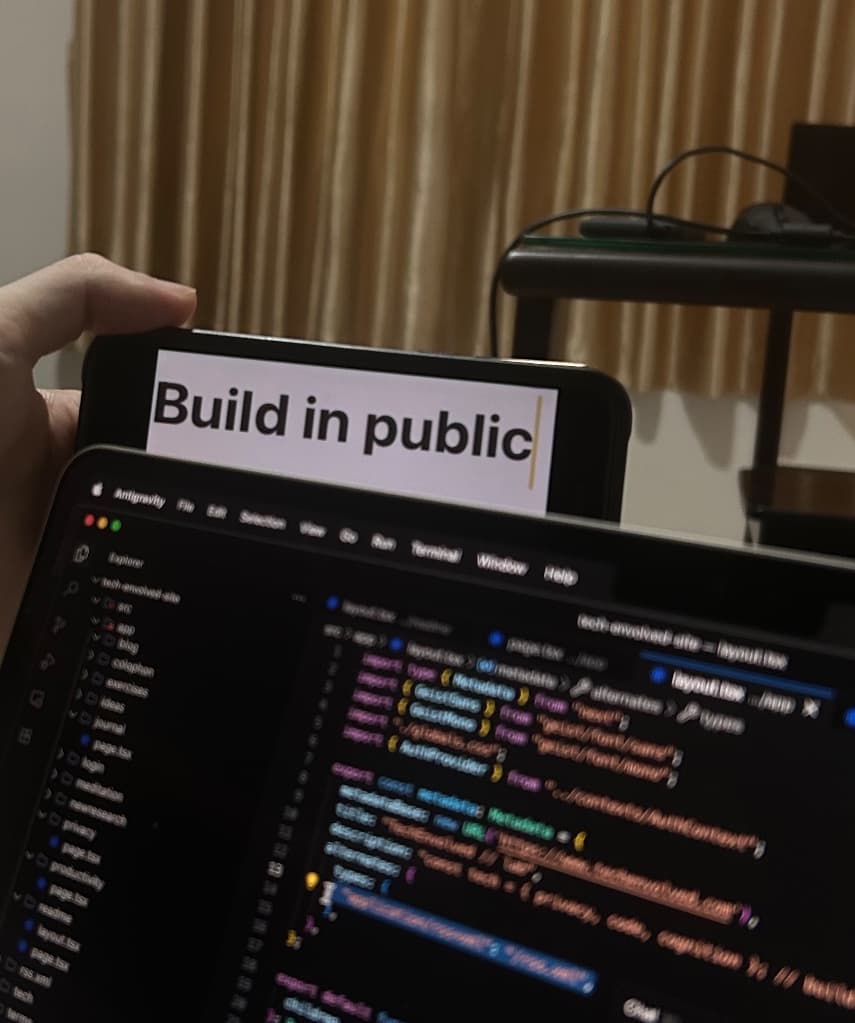
I'm building this in public.
I'll share architecture decisions, tech choices, and real launch challenges.
Welcome to the process.
Related Topics
9 Comments
Join the discussion

Glad you liked it! Thanks for stopping by here too.
Thanks! Glad to have you following along.
Thank you, I really appreciate this idea 🙏 Adding a subtle texture or slight roughness to make the notes feel more like a real notebook is definitely possible, and it fits the overall direction very well. I’ll take this into work and explore a few clean implementations so it stays minimal but more tactile and alive. If you have any references or examples of textures you like, feel free to send them to my email or through any social network. What kind of paper feel were you thinking of? Something like a heavy grain watercolor paper, or a very fine, recycled bond paper texture?
Great, I’ll check my email now. Thank you for the detailed response and the references. I completely agree with this approach. Small details like this are what turn a digital app into a space people actually enjoy spending time in. The tactile feel will add a real sense of calm. II’m excited to dive into this! Thanks again!
Leave a comment
Insights are welcome. Submissions are reviewed before publishing.